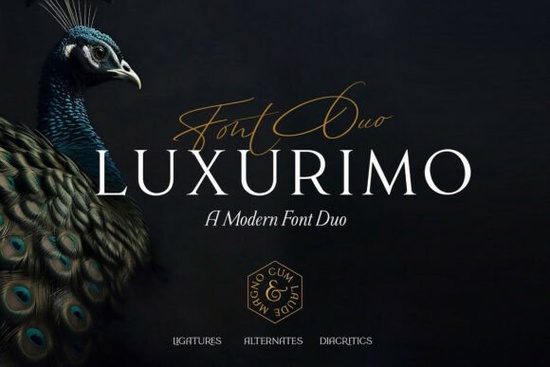
If you’ve been searching for a font that feels both polished and personal, Luxurimo Font might be exactly what your next project needs. It’s not just another pretty typeface it’s a pair: one elegant serif and one flowing script, designed to work together without clashing. Whether you’re making wedding invitations, branding a boutique, or designing social media posts for a luxury client, this duo gives you flexibility without sacrificing style.
What makes Luxurimo different from other serif and script combos?
Most font pairings require you to mix and match from different families, hoping they’ll look cohesive. Luxurimo was built as a matched set. The serif is clean and structured great for headlines or body text where readability matters. The script feels handwritten but refined, like calligraphy done with intention, not haste. Together, they create contrast without chaos.
You’ll find similar vibes in fonts like other modern serifs or even Sweetberry, which leans slightly more playful. But Luxurimo strikes a balance formal enough for high-end packaging, soft enough for bridal stationery.
Where does this font actually work well?
Here’s where designers and small business owners are getting the most use out of it:
- Wedding suites Invitations, menus, place cards. The script adds warmth; the serif keeps things legible.
- Luxury product labels Perfume, candles, skincare. That “expensive” look often comes down to typography.
- Social media graphics Especially Instagram carousels or Pinterest pins where visual hierarchy matters.
- Small business logos Boutiques, salons, florists. Pairing the two styles lets you build a logo system, not just a single mark.
- Print-on-demand products Mugs, totes, journals. Script for the decorative phrase, serif for the practical info.
It’s also OpenType compatible, so if you’re using software like Adobe Illustrator or Canva Pro, you’ll have access to stylistic alternates and ligatures that make the script feel even more custom.
Is it beginner-friendly?
Yes especially if you’re already comfortable with basic design tools. You don’t need to be a typographer to make Luxurimo look good. The weights are balanced, so even if you just slap the script over a photo and add a serif subtitle, it’ll hold up.
A few quick tips:
- Use the script sparingly. It’s meant to accent, not overwhelm.
- Pair the serif with light backgrounds and generous spacing. It thrives in clean layouts.
- Don’t stretch or distort either font. They’re designed to look best at their natural proportions.
How does it compare to free alternatives?
You can find free serif-script combos, sure. But they often lack the polish uneven stroke weights, limited character sets, or awkward kerning. Luxurimo includes full language support (including accented characters), multiple weights, and professional-grade spacing. If you’re selling your designs or building a brand, those details matter.
Plus, licensed fonts like this come with commercial use rights, which means you won’t run into legal gray areas if you’re printing shirts or selling digital templates.
What file formats are included?
You’ll get OTF, TTF, and WOFF files so whether you’re designing for print, web, or apps, you’re covered. No need to convert or hunt down alternate versions.
The download also includes a PDF guide with pairing suggestions and usage examples. Not essential, but helpful if you’re stuck on layout ideas.
A quick checklist before you start:
- Install both the serif and script versions they’re meant to be used together.
- Test scale. The script loses charm if it’s too small. Keep it above 18pt for print, 24px for screens.
- Contrast is key. Dark script on light backgrounds? Yes. Light script over busy photos? Maybe not.
- Save your favorite glyph combinations. Some letter pairs (like “fl” or “th”) have beautiful ligatures worth reusing.
If you’re still browsing options, take a minute to compare how Luxurimo handles real-world use cases versus similar fonts. Sometimes the difference isn’t in the letters themselves, but in how they behave when you actually put them to work.
Learn More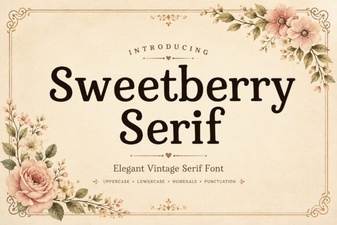 The Sweetberry Serif Font Design Collection
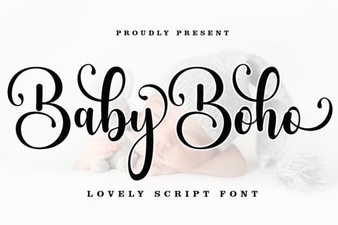 Baby Boho Fonts for Modern, Creative Designs
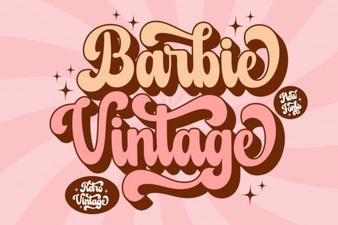 Barbie Retro Font Design Guide
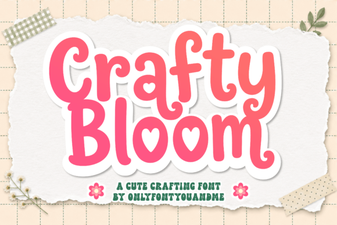 Handcrafted Charm: the Crafty Bloom Font
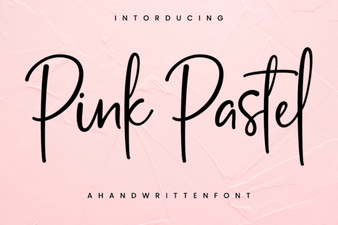 Pink Pastel Fonts for Creative Design Projects
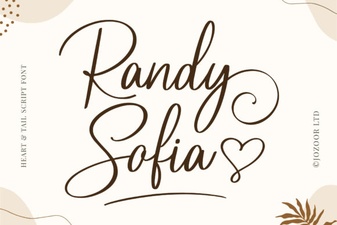 Download Randy Sofia Font for Creative Projects